

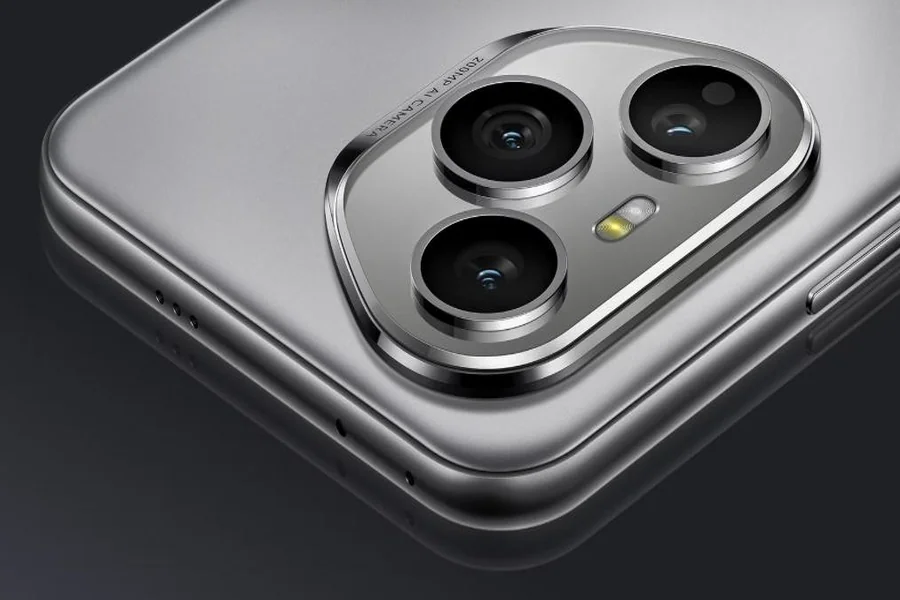
Backup your smartphone’s data to secure important information, photographs, contacts, and applications in the event of device failure, loss, or theft. Knowing how to back up your data might help you avoid data loss when changing devices, upgrading your software, or safeguarding it. With so many options providing different benefits, it’s critical to choose the appropriate one. For data protection, the HONOR 400 Pro in UAE provides seamless cloud and local backup. This article discusses smartphone backup options, both cloud and local, and how to utilize them for security and convenience.
What Are the Different Ways to Back Up Your Smartphone?
Cloud Backups: The Ultimate Convenience
Cloud backups are the most convenient approach to save your smartphone data. By keeping your files on a cloud server, you can access them from any device with an internet connection. Google Drive, iCloud, and Dropbox provide seamless synchronization for backing up images, contacts, applications, and more. Cloud storage guarantees that even if your phone is broken or destroyed, your data is protected and may be swiftly retrieved. The key advantage of cloud backups is that they provide automatic updates, eliminating the need to manually back up your data.
Local Backups: Keeping Control of Your Data
Local backups provide greater control over your data since they are kept on external devices such as PCs, hard drives, or SD cards. This strategy allows you to save important information offline, lowering the likelihood of data breaches. Local backups may be conducted manually or automatically using software tools, providing peace of mind that your data is secure and instantly available without the need for an internet connection. Local backups, unlike online backups, require regular upgrades and physical storage, which can be inconvenient if not maintained effectively.
Hybrid Backups: Combining the Best of Both Worlds
Hybrid backups combine cloud and local approaches to provide the benefits of both strategies. Hybrid backups secure your data in a variety of ways by combining cloud storage for automated, offshore backups and local storage for rapid, accessible copies. This strategy reduces the danger of data loss in the event of an internet outage or server failure while still offering the ease of cloud storage. Hybrid backups are great for customers who wish to keep control of their data while simultaneously taking advantage of cloud synchronization for ease of access and sharing.
How to Perform Local Backups on Your Smartphone?
Using a USB Cable for Local Backups
Use the proper USB connector to connect your smartphone to your computer in order to locally back up your data. Turn on File Transfer or MTP mode for Android devices, then use your computer to access your phone’s storage. Important data, including documents, films, and pictures, can be copied and pasted or dropped into a specific folder on your computer. By using this technique, you can be confident that your data is safely kept offline without depending on cloud services. A local USB backup is a dependable method of safeguarding critical data as it offers instant access to your files and simple restoration when necessary.
Backing Up via External Storage Devices
Backing up your smartphone data to external storage devices like hard disks or USB drives is a convenient and safe solution. Connect your Android handset to the external storage via a USB OTG (On-The-Go) connection. Then, manually move files such as images, movies, and documents to the external device. This method keeps your data offline, lowering the danger of internet hazards like hacking or cloud service disruptions. It also guarantees that your data is accessible even when there is no internet connection, providing a dependable and simple solution to protect critical information.
PC and Mac Backups: A More Traditional Option
Using a PC or Mac for smartphone backups is a dependable and established option. Connect your device to your computer via USB, then utilize the offered backup program or manually transfer files. You may transfer critical material, such as images, movies, and documents, to a specific folder on your computer. This strategy is best suited for customers who prefer local storage and want complete control over their data. It also makes it easier to recover files after a device reset or when migrating to a new smartphone. Local backups are a secure and handy approach to keep your data protected.
Conclusion
Backing up your smartphone data is critical for securing your crucial information and keeping it secure in the event of loss, damage, or theft. Whether you prefer the convenience of cloud backups, the control of local backups, or a hybrid strategy, each technique offers distinct advantages. Cloud backups are convenient and accessible, but local backups provide you with greater control and security. Regardless of the technique you use, routinely backing up your smartphone data ensures that your information is safe and immediately accessible when needed. Make backups a routine to avoid the worry of losing important data.